Free
€0 / month
- 10 AI credits
- 1 social account
- 5 scheduled post slots
- No included X publishing credits
Use this guide to understand how PostMatic charges AI credits, X publishing credits, scheduled post slots, social account limits, retries, media uploads, and social network reconnects.
Subscriptions give monthly AI credits, social account capacity, scheduled post slots, and X publishing credits. Yearly plans renew monthly allowances during the subscription period.
Add-ons are designed for real usage spikes: more AI generations, more scheduled posts, more connected accounts, or extra X publishing credits.
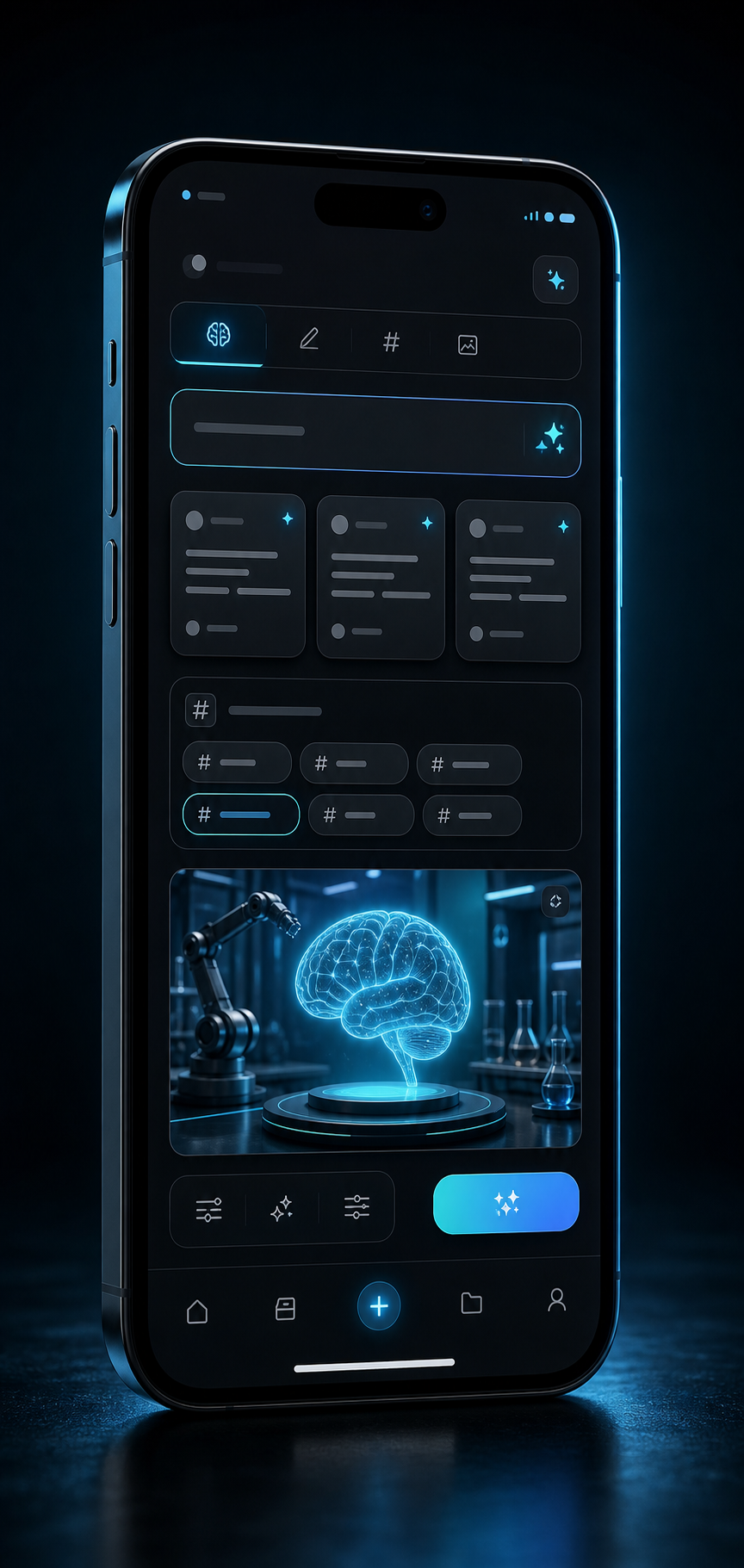
For extra AI text or image generation when your included balance is low.
Useful for a larger batch of posts, image prompts, and platform text variants.
Best for active creators who generate content frequently between renewals.
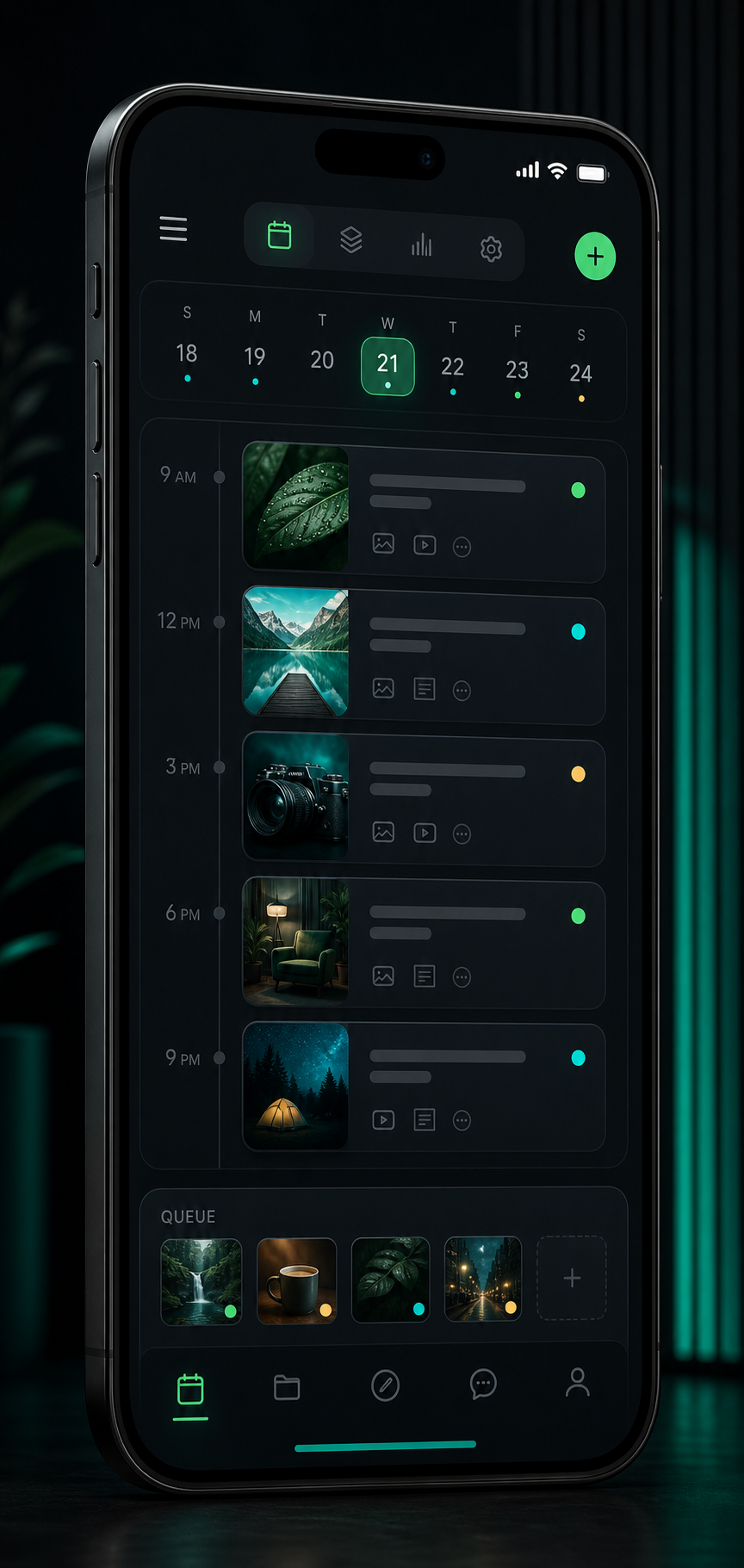
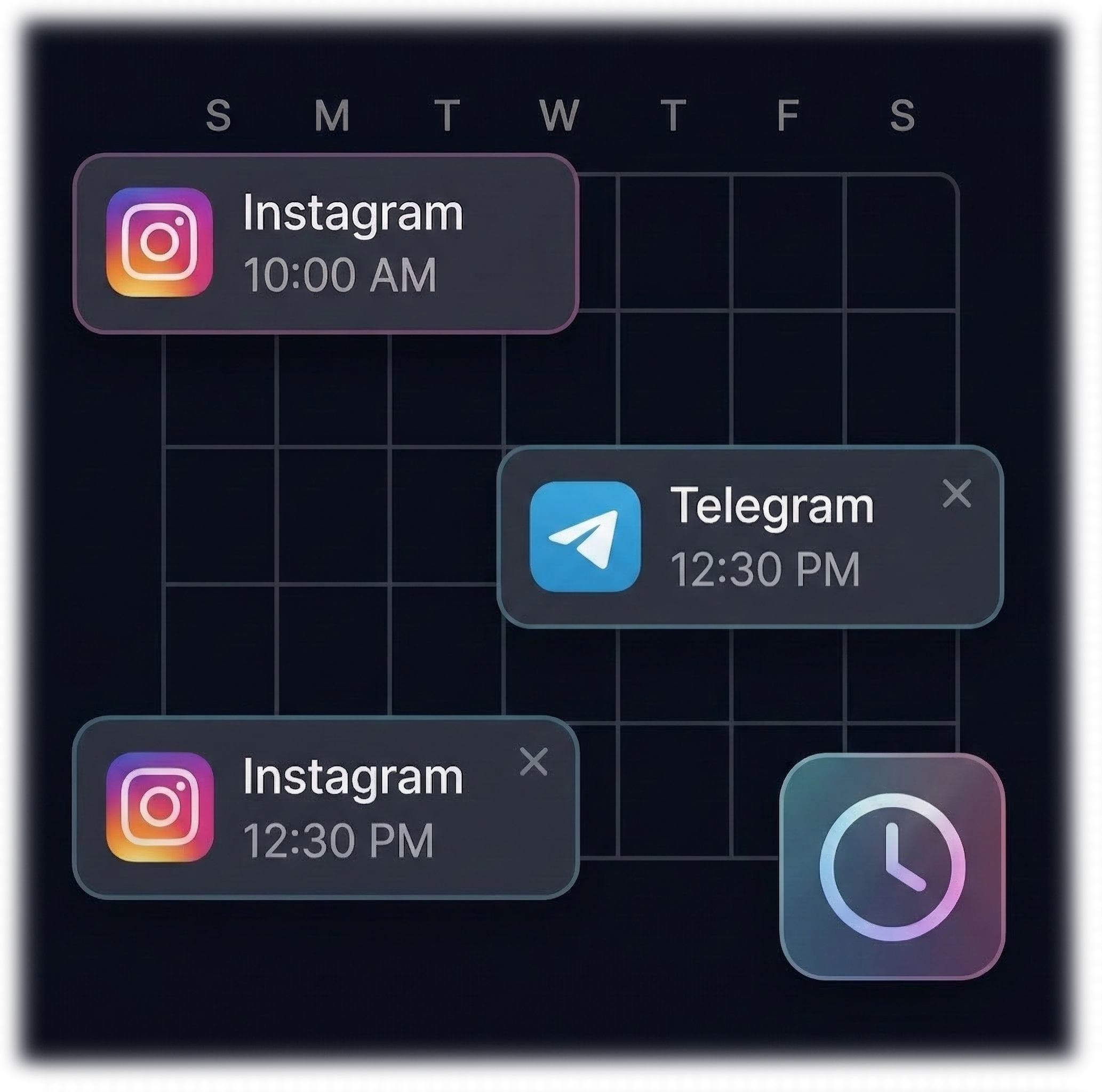
Adds more calendar capacity for posts waiting to be published.
For larger content calendars and campaign planning.
For high-volume teams that schedule far ahead.
Add one more connected Instagram, Facebook Page, Threads, Telegram, or supported platform account.
For teams managing several brands, pages, or channels.
X credits are used only after a successful X publication.
Extra capacity for publishing to X without affecting AI credits.
For frequent X publishing where API costs need a separate quota.
AI credits are separate from X publishing credits. X credits are charged only when a post is successfully published to X.
AI credits. X publishing uses a separate X post credit after successful publication.
These rules keep billing predictable and help explain why some actions require a paid plan or extra capacity.
Creating text uses AI credits. Generating an AI image costs more than text because image generation is more expensive. Uploading your own image does not count as AI image generation.
X API usage has separate costs, so X publishing uses X credits. They are consumed only when the X post is successfully published.
A scheduled post takes a queue slot while it is waiting. Completed, failed, or deleted items do not need to remain in the active scheduled queue.
If your plan allows fewer active accounts than you connected before, extra accounts can become plan-limited. They stay saved, but cannot publish until you free a slot or upgrade.
Some platforms support multiple images and some workflows are limited by the current plan. PostMatic blocks unsupported combinations before publishing.
OAuth tokens can expire or be revoked by a social network. Reconnect refreshes access without deleting your account history, scheduled posts, or content.
PostMatic validates content before publishing so text, hashtags, and image count do not exceed platform limits.
| Platform | Text and hashtags | Images | Notes |
|---|---|---|---|
| Caption and hashtags are counted together. | Multiple images can be supported when the selected account and plan allow it. | Images must use a supported aspect ratio before publishing. | |
| Facebook Page | Longer text is supported, but PostMatic still validates for practical readability. | Multiple images can be supported. | Statistics may require Facebook permissions such as engagement access. |
| Threads | Threads has a strict character limit, so PostMatic validates text and hashtags together. | Multiple images can be supported when available for the account and plan. | Threads tokens can require reconnect before expiry. |
| Telegram Channel | Caption limits apply when text is attached to media. | Multiple images can be supported as media posts or albums depending on workflow. | The bot must stay admin in the channel. |
| X | X has strict post length rules. PostMatic keeps text and hashtags inside the allowed total. | Images require X media access and X post credits. | X publishing is paid because the X API has usage costs. |
Add Instagram, Facebook Page, Threads, Telegram, or X before generating content for that destination.
Use AI text, AI images, or your own photos. Uploaded images are resized and validated before publishing.
PostMatic checks text, hashtags, image count, selected platforms, plan limits, and X credits before publishing.
Use immediate publishing or the planner. Failed posts show a human-readable reason and can be rescheduled when possible.
Short answers for the questions users usually have before creating content, connecting accounts, or buying capacity.
Contact support with your account email, platform, post ID if available, and a short description of what happened. This helps us find the exact publishing, billing, or connection event.